Rides and Videos
Rides
Videos
Danube from Passau to Vienna
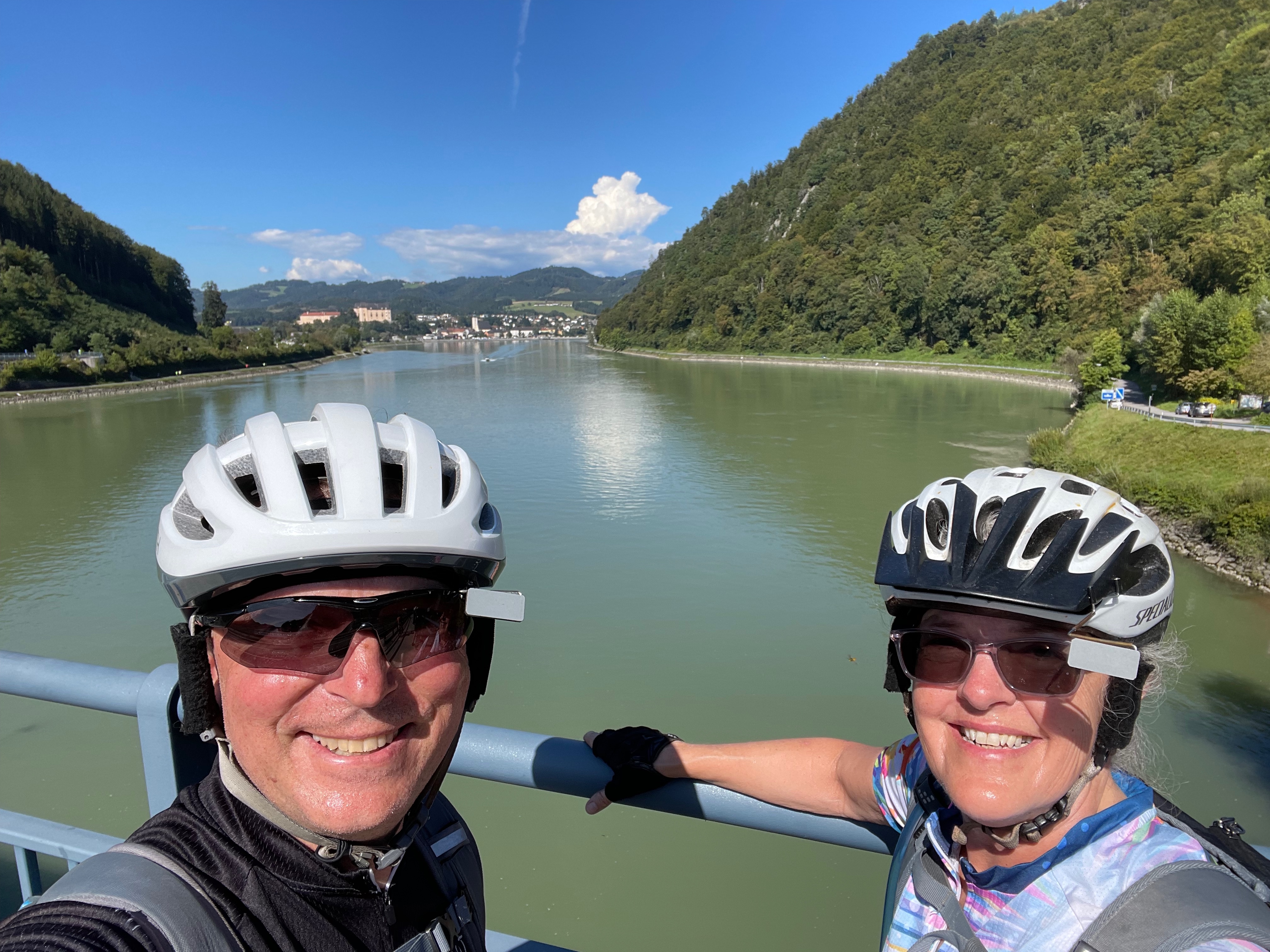
Summary: Flew into Munich, took train to Passau, rented bikes in Passau, rode to Vienna, dropped off bikes, took train back to Munich, experienced Oktoberfest, and then flew home.


Video Editing
I use ffmpeg on IGEL OS (Linux) to clip / trim .mp4 files.
Script to clip / trim mp4 files
 1
 2
 3
 4
 5
 6
 7
 8
 9
10
11
12
13
14
15
16
17
18
19
20
21
22
23
24
25
26
27
28
29
30
31
32
33
34
35
36
37
38
39
40
41
42
43
44
45
46
47
48
49
50
51
52
53
54
55
56
57
58
59
60
61
62
63
64
65
66
67
68
69
70
71
72
73
74
75
76
77
78
79
80
81
82
83
84
85
86
87 | #!/bin/bash
# MP4 Clip Extractor
# Requires: zenity, ffmpeg
set -e
########################################
# Select input MP4
########################################
INPUT=$(zenity --file-selection \
--title="Select MP4 Video" \
--file-filter="MP4 files | *.mp4")
[ -z "$INPUT" ] && exit 0
########################################
# Single dialog for clip settings
########################################
RESULT=$(zenity --forms \
--title="Create MP4 Clip" \
--text="Enter the clip settings" \
--separator="|" \
--width=500 \
--add-entry="Start Time (HH:MM:SS)" \
--add-entry="End Time (HH:MM:SS)" \
--add-entry="Output Filename" )
[ $? -ne 0 ] && exit 0
IFS="|" read -r START END OUTFILE <<< "$RESULT"
########################################
# Validate input
########################################
if [[ -z "$START" || -z "$END" || -z "$OUTFILE" ]]; then
zenity --error \
--text="All fields are required."
exit 1
fi
# Add .mp4 if needed
[[ "$OUTFILE" != *.mp4 ]] && OUTFILE="${OUTFILE}.mp4"
OUTPUT="$(dirname "$INPUT")/$OUTFILE"
########################################
# Run ffmpeg
########################################
(
echo "10"
echo "# Extracting video..."
ffmpeg -y \
-ss "$START" \
-to "$END" \
-i "$INPUT" \
-c copy \
"$OUTPUT" >/tmp/ffmpeg.log 2>&1
echo "100"
) | zenity \
--progress \
--title="Creating Clip" \
--text="Processing..." \
--percentage=0 \
--auto-close \
--no-cancel
########################################
# Show result
########################################
if [[ -f "$OUTPUT" ]]; then
zenity --info \
--title="Complete" \
--text="Clip successfully created:\n\n$OUTPUT"
else
zenity --error \
--title="Error" \
--text="ffmpeg failed.\n\nSee /tmp/ffmpeg.log"
fi
|
Merge multiple mp4 files
- Create a text file named files.txt:
| file 'part1.mp4'
file 'part2.mp4'
file 'part3.mp4'
|
| ffmpeg -f concat -safe 0 -i files.txt -c copy output.mp4
|
Script to Merge multiple mp4 files
1
2
3
4
5
6
7
8
9
10
11
12
13
14
15
16
17
18
19
20
21
22
23
24
25
26
27
28
29
30
31
32
33
34
35
36
37
38
39
40
41
42
43
44
45
46
47
48
49
50
51
52
53
54
55
56
57
58
59
60
61
62
63
64
65
66
67
68
69
70
71
72
73
74
75
76
77
78
79
80
81
82
83
84
85
86
87
88
89
90
91
92
93
94
95
96
97
98 | #!/bin/bash
#set -x
#trap read debug
# Usage:
# ./combine-mp4.sh [directory] [output-file]
#
# Examples:
# ./combine-mp4.sh
# ./combine-mp4.sh /videos
# ./combine-mp4.sh /videos combined.mp4
set -e
DIR="${1:-.}"
OUTPUT="${2:-output.mp4}"
FILELIST="$DIR/files.txt"
# Verify ffmpeg is installed
if ! command -v ffmpeg >/dev/null 2>&1; then
echo "ERROR: ffmpeg is not installed or not in PATH."
exit 1
fi
# Verify directory exists
if [ ! -d "$DIR" ]; then
echo "ERROR: Directory does not exist: $DIR"
exit 1
fi
# Convert directory to absolute path
DIR="$(cd "$DIR" && pwd)"
FILELIST="$DIR/files.txt"
echo "Searching for MP4 files in:"
echo " $DIR"
echo
# Create files.txt
: > "$FILELIST"
count=0
while IFS= read -r -d '' file; do
# Skip the output file if it already exists
if [ "$(basename "$file")" = "$OUTPUT" ]; then
continue
fi
# Escape single quotes for ffmpeg concat format
escaped_file=$(printf '%s' "$file" | sed "s/'/'\\\\''/g")
printf "file '%s'\n" "$escaped_file" >> "$FILELIST"
echo "Adding: $(basename "$file")"
count=$((count + 1))
done < <(find "$DIR" -maxdepth 1 -type f -iname '*.mp4' -print0 | sort -z)
echo
if [ "$count" -eq 0 ]; then
echo "ERROR: No MP4 files found."
rm -f "$FILELIST"
exit 1
fi
if [ "$count" -eq 1 ]; then
echo "WARNING: Only one MP4 file was found."
fi
echo "Created:"
echo " $FILELIST"
echo
cat "$FILELIST"
echo
# Remove existing output to prevent ffmpeg prompting
rm -f "$DIR/$OUTPUT"
echo "Combining $count MP4 files..."
echo
ffmpeg \
-f concat \
-safe 0 \
-i "$FILELIST" \
-c copy \
"$DIR/$OUTPUT"
echo
echo "========================================"
echo "Complete"
echo "========================================"
echo "Files combined : $count"
echo "Output : $DIR/$OUTPUT"
echo "File list : $FILELIST"
|